Cybersecurity quick guide
Recognize suspicious messages, protect ASU data when using AI, and find the requirements for your work.
Received a suspicious message?
Do not click its links or open unexpected attachments. Verify unusual requests through a known contact or official website—not through the message itself.
Follow ASU Security Operations Center instructions. Attach the original email to a new message when possible.
Before sharing information with AI
Classify the information first. Then confirm that the specific tool, ASU-provided account, and intended use are approved for that data type. Pause and ask if you are unsure.
An ASU-provided tool is not necessarily approved for every kind of data. Public accounts can have different protections.
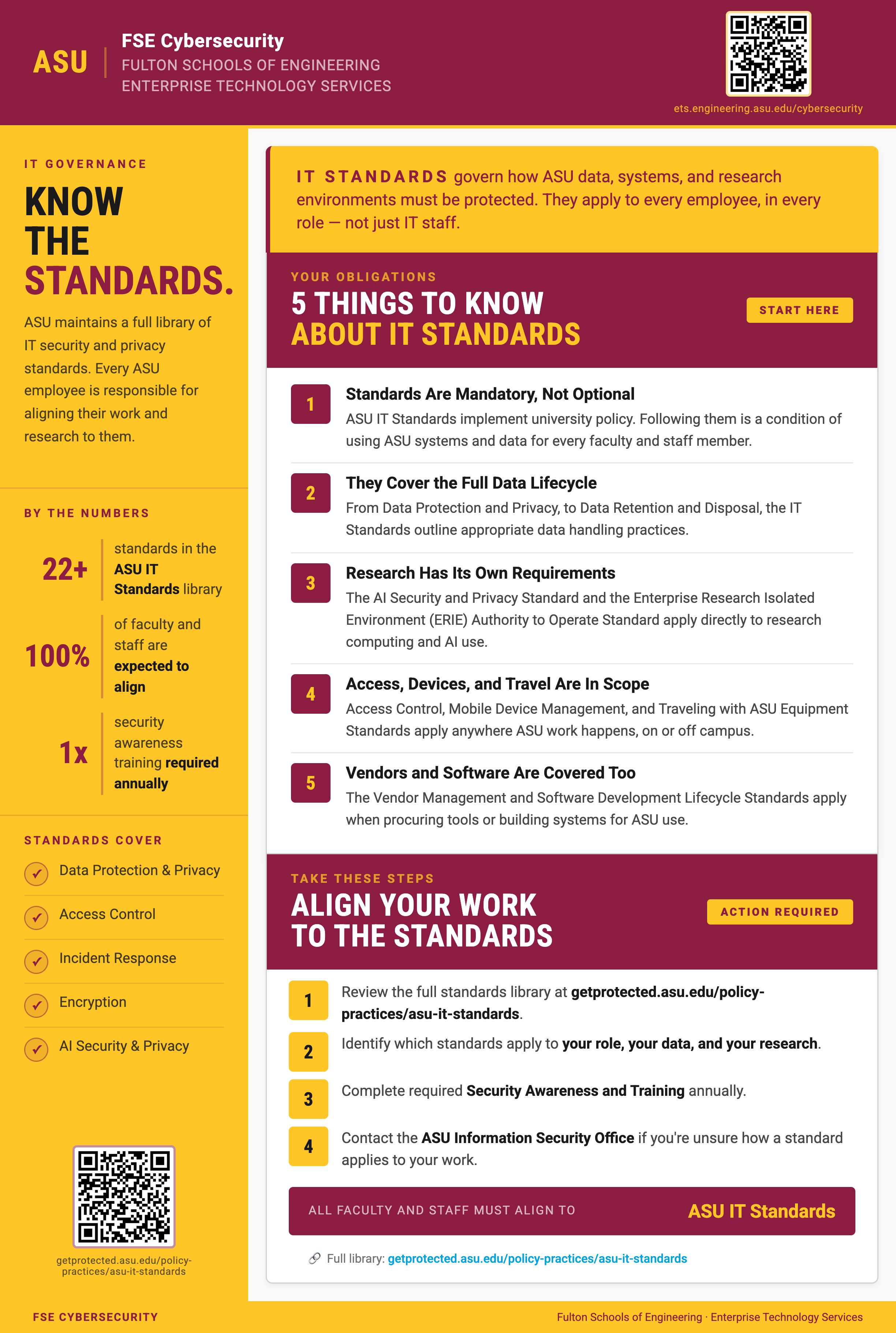
Find the requirements for your work
Find the official security and privacy standards relevant to your work, systems, and data. Use the standards library or the GRC Smart Assistant to locate a starting point.
Confirm requirements in the official ASU standard. An assistant response does not replace the authoritative source.
More resources: AI resources and practical examples · Cybersecurity hub.
Campaign flyer downloads
PNG files for sharing or printing.